
WiFi Router vs Mesh vs Access Point: The 2025 Ultimate Buying Guide That Could Save You $500+
Stop making expensive WiFi mistakes. This definitive guide reveals exactly which networking solution fits your space, budget, and performance needs.
The $500 WiFi Mistake 90% of People Make
Last week, a client called me frantically. They’d just spent $800 on a premium mesh system for their 900-square-foot apartment, only to discover their $120 router would have delivered identical performance. Meanwhile, their neighbor struggled with dead zones in a 3,500-square-foot home, stubbornly refusing to upgrade from a single router.
The problem? Most people choose WiFi solutions based on marketing hype rather than actual needs.
The solution? This guide cuts through the confusion with real-world scenarios, performance data, and expert recommendations that’ll save you hundreds while delivering the connectivity you actually need.
The 30-Second Decision Framework
Small space + budget-conscious + simple needs = WiFi Router
Large space + seamless coverage + easy setup = Mesh System
Existing infrastructure + maximum control + scalability = Access Points
Keep reading for the full breakdown, but bookmark this for quick reference.
WiFi Router: The Reliable Workhorse
What It Really Does
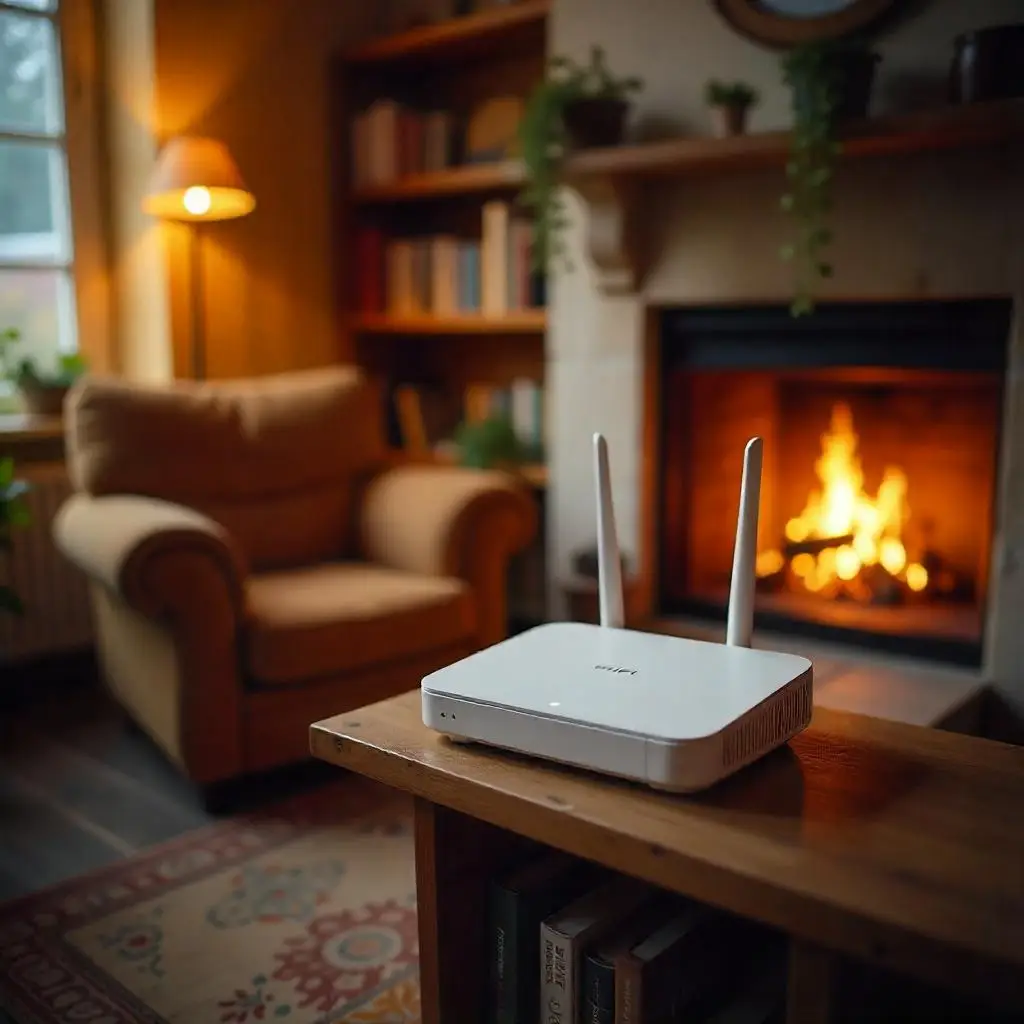
Think of a WiFi router as your networking Swiss Army knife. It’s your internet gateway, traffic controller, and WiFi broadcaster all rolled into one compact device. For millions of homes and small businesses, it’s the only networking device they’ll ever need.
Performance Reality Check
- Coverage: 1,200-2,500 sq ft (varies dramatically by construction)
- Device capacity: 20-50 simultaneous connections
- Speed degradation: 50% performance loss at maximum range
- Cost: $60-$400 for quality options
The Sweet Spot Scenarios
Home Users:
- Apartments and condos under 1,500 sq ft
- Single-story homes with central router placement
- Households with under 25 connected devices
- Renters who can’t modify infrastructure
Business Applications:
- Small offices (1,000-2,000 sq ft open floor plan)
- Retail stores with central layout
- Startups with under 20 employees
- Pop-up locations and temporary setups
Pro Recommendations by Budget
Budget Champion ($80-120): TP-Link Archer AX55 – WiFi 6, gigabit speeds, solid range
Performance Leader ($200-280): ASUS RT-AX86U – Gaming optimized, excellent range, advanced features
Enterprise Crossover ($300-400): Netgear Nighthawk Pro Gaming – Business-grade reliability, maximum performance
Mesh WiFi: The Coverage Champion
The Technology Edge
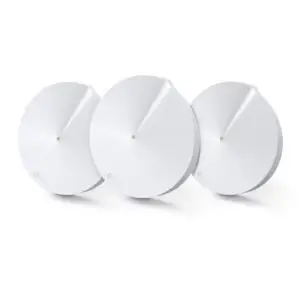
Mesh systems revolutionized home networking by solving the fundamental problem of traditional routers: single-point coverage limitations. Instead of broadcasting from one location, mesh creates an intelligent network of nodes that communicate, optimize, and self-heal.
Performance Advantages
- Seamless roaming: Devices automatically connect to the strongest signal
- Load balancing: Traffic distributes across multiple nodes
- Self-optimization: Network adjusts to interference and usage patterns
- Redundancy: If one node fails, others maintain connectivity
Real-World Coverage Math
- 2-node system: 3,000-4,000 sq ft effective coverage
- 3-node system: 5,000-6,000 sq ft with optimal placement
- Per-node capacity: 30-50 devices each
- Performance consistency: 80-90% speed maintenance throughout coverage area
When Mesh Wins Every Time
Home Scenarios:
- Multi-story homes (2+ floors)
- Homes over 2,000 sq ft
- Challenging layouts (long hallways, split-levels)
- Smart home enthusiasts (50+ IoT devices)
- Thick walls or interference-heavy environments
Business Applications:
- Multi-floor offices
- Retail chains with consistent coverage needs
- Co-working spaces
- Restaurants and hospitality venues
- Medical and dental offices
Expert Mesh Picks
Value Excellence ($200-300): Amazon eero Pro 6E – Simple setup, reliable performance, great support
Performance Beast ($400-600): Netgear Orbi AX6000 – Dedicated backhaul, maximum speed, enterprise features
Prosumer Choice ($600-800): ASUS ZenWiFi AX6600 – Advanced configuration, security features, mesh flexibility
Access Points: The Professional Solution
The Enterprise Advantage
Access points represent the professional approach to WiFi deployment. Unlike consumer solutions, APs are designed for high-density environments, centralized management, and enterprise-grade security. They’re the backbone of corporate networks, universities, and large venues.
Technical Superiority
- Centralized management: Configure hundreds of APs from one interface
- Advanced security: Enterprise WPA3, radius authentication, network segmentation
- High-density optimization: Support 100+ concurrent users per AP
- Professional antennas: Optimized radiation patterns and gain
- PoE+ capability: Power and data over single cable
Deployment Scenarios
Business Environments:
- Corporate offices with existing infrastructure
- Warehouses and manufacturing facilities
- Hotels and hospitality venues
- Educational institutions
- Healthcare facilities
- High-density environments (conference centers, stadiums)
Advanced Home Users:
- Network enthusiasts wanting maximum control
- Homes with pre-wired ethernet infrastructure
- Multi-generational homes with complex needs
- Home offices requiring business-grade security
Professional AP Recommendations
SMB Entry ($150-250): Ubiquiti UniFi U6 Lite – Easy management, solid performance, scalable
Enterprise Standard ($300-500): Cisco Meraki MR36 – Cloud management, advanced analytics, enterprise security
High-Density Champion ($500-800): Aruba AP-515 – WiFi 6E, maximum client capacity, AI-powered optimization
The Decision Matrix: Choosing Your Perfect Solution
Space Analysis
| Square Footage | Floors | Recommended Solution | Why |
|---|---|---|---|
| Under 1,500 | 1 | WiFi Router | Cost-effective, sufficient coverage |
| 1,500-3,000 | 1-2 | Mesh System | Optimal coverage, easy setup |
| 3,000-5,000 | 2-3 | Mesh System | Seamless multi-floor coverage |
| 5,000+ | Any | Access Points | Professional scalability |
Device Density Guide
| Connected Devices | Best Solution | Performance Expectation |
|---|---|---|
| 1-20 | WiFi Router | Excellent performance |
| 21-50 | Mesh System | Optimized distribution |
| 51-100 | Enterprise Mesh or APs | Professional-grade handling |
| 100+ | Access Points | High-density optimization |
Budget vs Performance Reality
Under $200: Quality WiFi 6 router delivers excellent value for appropriate spaces
$200-500: Mesh systems provide the best performance-to-convenience ratio
$500-1,000: Professional APs with management systems for serious deployments
$1,000+: Enterprise-grade solutions for mission-critical environments
Common Pitfalls That Cost You Money
The Range Extender Trap
The Problem: Adding range extenders to fix dead zones
The Reality: Creates separate networks, halves bandwidth, increases complexity
The Solution: Invest in proper mesh system instead
The Overkill Syndrome
The Problem: Buying enterprise APs for simple home use
The Reality: Complex setup, ongoing management overhead, unnecessary features
The Solution: Match solution complexity to actual needs
The Cheapest Option Mistake
The Problem: Buying based solely on price
The Reality: Poor performance, frequent replacements, frustration
The Solution: Focus on value and appropriate feature set
2025 Technology Trends Affecting Your Choice
WiFi 6E and WiFi 7 Adoption
- WiFi 6E: 6GHz band reduces congestion, ideal for dense environments
- WiFi 7: 2024-2025 rollout promises 4x speed improvements
- Buying advice: WiFi 6E offers excellent future-proofing at reasonable cost
IoT Device Explosion
- Current average: 30+ connected devices per household
- 2025 projection: 50+ devices becoming standard
- Impact: Mesh systems and enterprise APs increasingly necessary
Remote Work Infrastructure
- Trend: Permanent work-from-home setups
- Requirements: Business-grade reliability, security, performance
- Solution: Professional mesh or access point deployments
Installation and Setup Realities
WiFi Router Setup
Time required: 15-30 minutes
Complexity: Minimal – plug in, run setup wizard
Ongoing maintenance: Occasional firmware updates
Professional help needed: Rarely
Mesh System Deployment
Time required: 30-60 minutes
Complexity: Low – mobile app guided setup
Ongoing maintenance: Automatic updates, occasional optimization
Professional help needed: Optional for optimal placement
Access Point Installation
Time required: 2-8 hours depending on scale
Complexity: High – requires networking knowledge
Ongoing maintenance: Regular configuration updates, monitoring
Professional help needed: Recommended for most deployments
The Bottom Line: Your Action Plan
If You Have a Small Space (Under 1,500 sq ft)
Buy this: Quality WiFi 6 router ($120-200)
Skip this: Mesh systems, access points
Key metric: Can you get strong signal in every room from one central location?
If You Have a Large or Complex Space
Buy this: 2-3 node mesh system ($300-500)
Skip this: Range extenders, single routers
Key metric: Do you need seamless coverage across multiple floors or distant rooms?
If You’re Running a Business
Buy this: Professional access points with management system ($500-1,500)
Skip this: Consumer mesh, basic routers
Key metric: Do you need enterprise security, management, and high-density support?
If You’re Not Sure
Start here: Mid-range mesh system
Why: Easiest to set up, most versatile, good upgrade path
Safety net: Most mesh systems offer 30-day return policies
Final Thoughts: Future-Proofing Your Investment
The networking landscape evolves rapidly, but the fundamental principles remain constant. Choose based on your actual needs, not marketing promises. A quality router will serve a small space for 5-7 years. A professional mesh system will handle most homes and small businesses for the same period. Enterprise access points can serve larger deployments for a decade with proper maintenance.
The most expensive networking solution is the wrong one. Whether that’s a $800 mesh system in a studio apartment or a $100 router struggling to cover a 4,000-square-foot home, matching your solution to your actual needs delivers the best performance per dollar.
Ready to upgrade your WiFi? Use this guide to make the right choice the first time.