
50 Practical Examples That Will Transform Your Productivity 🚀
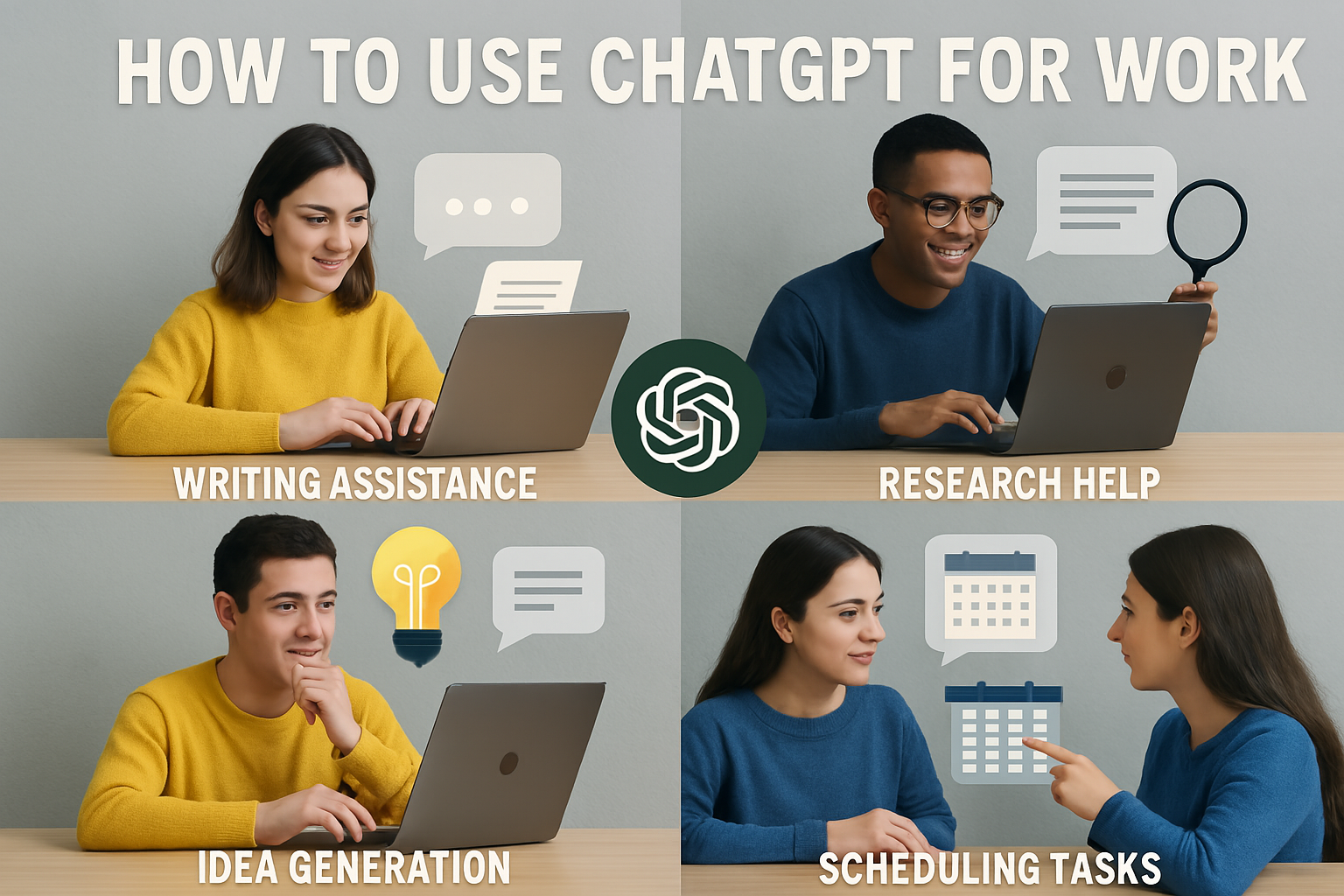
Are you ready to revolutionize your work efficiency? ChatGPT has become the ultimate productivity companion for millions of professionals worldwide. Whether you’re drowning in emails, struggling with writer’s block, or need help analyzing data, this AI powerhouse can transform how you work. In this comprehensive guide, we’ll explore 50 practical ways to integrate ChatGPT into your daily work routine and boost your productivity to new heights.
Why ChatGPT is Essential for Modern Professionals 💡
Before diving into the practical examples, let’s understand why ChatGPT has become indispensable in today’s workplace. This AI assistant can process information at lightning speed, generate human-like text, analyze complex data, and provide creative solutions to challenging problems. It’s like having a brilliant colleague who never sleeps, never takes breaks, and is always ready to help with any task.
The beauty of ChatGPT lies in its versatility. From content creation to data analysis, from customer service to project management, this tool adapts to virtually any professional need. The key is knowing how to leverage its capabilities effectively.
Communication & Email Management 📧
1. Writing Professional Emails
Transform your email communication with ChatGPT’s help. Instead of staring at a blank screen, provide the AI with key points and let it craft polished, professional emails. For example: “Draft a follow-up email to a client about project delays, maintaining a professional tone while explaining the situation and proposing solutions.”
2. Email Response Templates
Create standardized responses for common inquiries. Ask ChatGPT to develop templates for frequently asked questions, meeting requests, or project updates. This ensures consistency in your communication while saving precious time.
3. Subject Line Optimization
Struggling with email subject lines? ChatGPT can generate compelling, action-oriented subject lines that increase open rates. Simply describe your email’s purpose, and watch as it creates multiple engaging options.
4. Meeting Follow-up Summaries
After meetings, use ChatGPT to create comprehensive summaries. Provide the AI with meeting notes, and it will organize them into clear action items, decisions made, and next steps for all participants.
5. Internal Communication Drafts
Whether it’s announcing changes, sharing updates, or communicating policies, ChatGPT can help draft internal communications that are clear, engaging, and appropriately toned for your audience.
Content Creation & Marketing 🎨
6. Blog Post Writing
Generate engaging blog posts by providing ChatGPT with your topic, target audience, and key points. The AI can create comprehensive articles that inform, engage, and convert readers into customers.
7. Social Media Content
Create compelling social media posts across platforms. ChatGPT can adapt content for LinkedIn’s professional tone, Twitter’s brevity, or Instagram’s visual storytelling approach.
8. Product Descriptions
Craft persuasive product descriptions that highlight benefits, features, and unique selling points. ChatGPT can write copy that converts browsers into buyers.
9. Press Release Writing
When you need to announce company news, ChatGPT can help structure professional press releases that capture media attention and convey your message effectively.
10. Newsletter Content
Keep your audience engaged with regular newsletters. ChatGPT can help you brainstorm topics, write compelling content, and create calls-to-action that drive engagement.
Data Analysis & Research 📊
11. Survey Analysis
Upload survey data and ask ChatGPT to identify trends, patterns, and insights. The AI can help you understand customer feedback, employee satisfaction, or market research results.
12. Competitive Research
Use ChatGPT to analyze competitor information, identify market gaps, and develop strategic insights. The AI can help you understand industry trends and positioning opportunities.
13. Report Generation
Transform raw data into comprehensive reports. ChatGPT can structure findings, create executive summaries, and present data in an easily digestible format.
14. Market Research Summaries
Condense lengthy market research reports into key insights and actionable recommendations. ChatGPT can identify the most important findings and their implications for your business.
15. Data Visualization Suggestions
When presenting data, ChatGPT can recommend the most effective visualization methods, helping you choose between charts, graphs, and infographics based on your data type and audience.
Project Management & Planning 📋
16. Project Timeline Creation
Break down complex projects into manageable phases. ChatGPT can help create realistic timelines, identify dependencies, and suggest milestone checkpoints.
17. Risk Assessment
Identify potential project risks and develop mitigation strategies. ChatGPT can analyze your project details and suggest preventive measures for common challenges.
18. Resource Planning
Optimize resource allocation by having ChatGPT analyze your project requirements and suggest the most efficient distribution of time, budget, and personnel.
19. Status Report Writing
Create professional status reports that clearly communicate project progress, challenges, and next steps to stakeholders and team members.
20. Team Meeting Agendas
Develop structured meeting agendas that ensure productive discussions. ChatGPT can help you organize topics, allocate time, and include relevant discussion points.
Customer Service & Support 🤝
21. FAQ Development
Create comprehensive FAQ sections by having ChatGPT analyze common customer inquiries and generate clear, helpful responses.
22. Customer Response Templates
Develop empathetic, solution-focused templates for various customer service scenarios, from complaints to compliments.
23. Troubleshooting Guides
Create step-by-step troubleshooting guides that help customers resolve common issues independently, reducing support ticket volume.
24. Customer Feedback Analysis
Analyze customer reviews and feedback to identify improvement opportunities and service gaps that need attention.
25. Escalation Procedures
Develop clear escalation procedures that ensure complex customer issues are handled efficiently and professionally.
Training & Development 📚
26. Training Material Creation
Develop comprehensive training materials for new employees or skill development programs. ChatGPT can create modules, quizzes, and learning objectives.
27. Onboarding Checklists
Create detailed onboarding checklists that ensure new hires have everything they need to succeed in their roles.
28. Performance Review Templates
Develop fair, comprehensive performance review templates that evaluate various aspects of employee performance and provide constructive feedback.
29. Learning Path Development
Design personalized learning paths for employees based on their roles, goals, and current skill levels.
30. Workshop Planning
Plan engaging workshops and training sessions with clear objectives, activities, and assessment methods.
Sales & Lead Generation 💰
31. Sales Pitch Development
Create compelling sales pitches that address customer pain points and highlight your solution’s unique value proposition.
32. Lead Qualification Questions
Develop strategic questions that help you qualify leads effectively and move them through your sales funnel.
33. Proposal Writing
Draft professional proposals that clearly outline your services, timeline, and pricing in a way that wins clients.
34. CRM Data Analysis
Analyze your CRM data to identify sales trends, customer behavior patterns, and opportunities for improvement.
35. Follow-up Sequence Creation
Develop automated follow-up sequences that nurture leads and maintain customer relationships over time.
Administrative Tasks ⚙️
36. Document Formatting
Transform rough notes into professionally formatted documents, reports, and presentations that look polished and professional.
37. Calendar Management
Optimize your schedule by having ChatGPT analyze your calendar and suggest improvements for better time management.
38. Expense Report Organization
Organize and categorize expense reports efficiently, ensuring all business expenses are properly documented and classified.
39. Policy Documentation
Create clear, comprehensive policy documents that outline procedures, expectations, and guidelines for your organization.
40. Contract Review Assistance
Get help understanding contract terms and identifying potential issues or areas that need clarification.
Creative Problem Solving 🧠
41. Brainstorming Sessions
Use ChatGPT as a brainstorming partner to generate innovative solutions to business challenges and creative ideas for projects.
42. Process Improvement
Analyze existing workflows and identify opportunities for streamlining operations and increasing efficiency.
43. Innovation Strategy
Develop strategies for staying ahead of industry trends and implementing innovative solutions in your business.
44. Crisis Management Planning
Create comprehensive crisis management plans that help your organization respond effectively to unexpected challenges.
45. Strategic Planning
Develop long-term strategic plans that align with your business goals and market opportunities.
Specialized Industry Applications 🏢
46. Legal Document Drafting
Draft basic legal documents, contracts, and agreements while ensuring they meet industry standards and requirements.
47. Financial Analysis
Analyze financial data, create budget forecasts, and identify cost-saving opportunities for your organization.
48. HR Policy Development
Create comprehensive HR policies that protect your organization while supporting employee satisfaction and productivity.
49. Marketing Campaign Planning
Develop integrated marketing campaigns that reach your target audience across multiple channels effectively.
50. Quality Assurance Protocols
Establish quality control processes that ensure your products or services consistently meet high standards.
Best Practices for Using ChatGPT at Work 🎯
To maximize ChatGPT’s effectiveness in your workplace, follow these essential guidelines:
Be Specific and Detailed: The more context you provide, the better ChatGPT can understand your needs and deliver relevant results. Include background information, target audience details, and specific requirements.
Iterate and Refine: Don’t expect perfection on the first try. Use ChatGPT’s responses as starting points and refine them through follow-up questions and clarifications.
Maintain Your Voice: While ChatGPT can generate content, ensure it aligns with your brand voice and company culture. Edit and personalize the output to match your style.
Fact-Check Important Information: Always verify facts, figures, and critical information before using ChatGPT’s output in official communications or decisions.
Respect Privacy and Confidentiality: Never input sensitive company information, personal data, or confidential details into ChatGPT.
Common Pitfalls to Avoid ⚠️
While ChatGPT is incredibly powerful, there are common mistakes that can limit its effectiveness:
Over-reliance: Don’t let ChatGPT replace critical thinking and human judgment. Use it as a tool to enhance your capabilities, not replace them.
Ignoring Context: Always provide sufficient context for your requests. Generic prompts often produce generic results.
Skipping Review: Never use ChatGPT’s output without reviewing and editing it first. The AI can make mistakes or produce content that doesn’t perfectly match your needs.
Forgetting Updates: Remember that ChatGPT’s knowledge has limitations and may not include the most recent information or developments.
Getting Started: Your First Steps 🚀
Ready to transform your work with ChatGPT? Here’s how to begin:
- Identify Your Biggest Pain Points: What tasks consume most of your time? Where do you struggle with consistency or quality?
- Start Small: Choose one or two simple tasks to automate or improve with ChatGPT before tackling more complex challenges.
- Experiment with Prompts: Try different ways of asking for what you need. The same request phrased differently can produce vastly different results.
- Create a Prompt Library: Save effective prompts for future use, building a personal collection of proven templates.
- Share and Learn: Collaborate with colleagues to discover new ways to use ChatGPT effectively in your industry.
The Future of AI in the Workplace 🔮
ChatGPT represents just the beginning of AI’s transformation of the modern workplace. As these tools become more sophisticated, they’ll handle increasingly complex tasks, freeing professionals to focus on strategic thinking, relationship building, and creative problem-solving.
The professionals who thrive in this new landscape will be those who learn to work alongside AI effectively, using tools like ChatGPT to amplify their capabilities rather than replace their expertise.
Conclusion: Your Productivity Revolution Starts Now 💪
ChatGPT isn’t just another productivity tool – it’s your personal AI assistant that can transform how you work, think, and solve problems. By implementing these 50 practical examples, you’ll discover new levels of efficiency, creativity, and professional success.
The key is to start today. Choose one example that resonates with your current challenges, try it out, and experience the difference firsthand. As you become more comfortable with ChatGPT’s capabilities, you’ll find countless additional ways to integrate this powerful tool into your daily workflow.
Remember, the future belongs to professionals who can effectively collaborate with AI. By mastering ChatGPT for work, you’re not just improving your current productivity – you’re investing in your future success.
Start your AI-powered productivity journey today, and watch as ChatGPT transforms not just how you work, but how you think about work itself. The revolution is here, and it’s time to be part of it! 🌟