
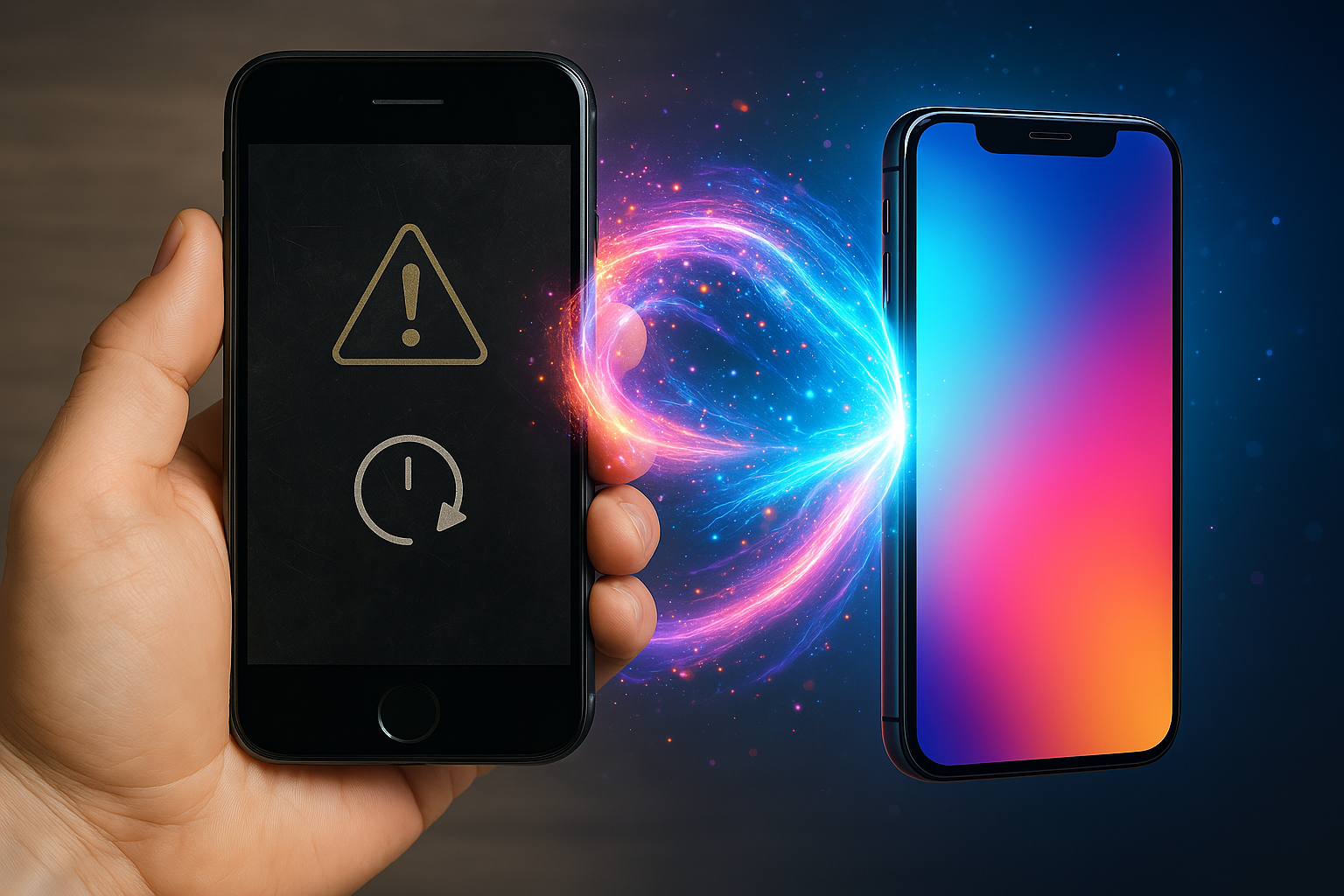
The Complete Guide to Reviving Your Slow Phone 📱⚡
Is your once-speedy smartphone now crawling like a snail? 🐌 Before you shell out hundreds of dollars for a new device, try these proven methods to breathe new life into your old phone. With the right approach, you can transform your sluggish device back into the responsive companion it once was.


Why Your Phone Slows Down Over Time 🕰️
Understanding why phones slow down is the first step to fixing the problem. Your device doesn’t just magically become slower – specific factors contribute to this frustrating decline in performance.
Storage Overload is the biggest culprit. When your phone’s storage reaches 85% or higher, the operating system struggles to manage files efficiently. This creates a bottleneck that affects everything from app loading times to basic navigation.
Background Apps quietly consume resources even when you’re not actively using them. These apps continue running processes, checking for updates, and maintaining network connections – all while draining your battery and processing power.
Outdated Software can create compatibility issues and security vulnerabilities that bog down your system. While newer software versions are designed to improve performance, running outdated versions can leave your phone struggling with inefficient code.
Cache Buildup occurs when temporary files accumulate over months or years of use. These files were meant to speed up app performance initially, but they become digital clutter that slows everything down.
The Ultimate Phone Storage Cleanup Strategy 🗂️
Start with the Photo Purge: Photos and videos typically consume 60-80% of your phone’s storage. Don’t delete precious memories – instead, use cloud storage solutions like Google Photos, iCloud, or Dropbox to backup your media. Once backed up, remove local copies to free up gigabytes of space instantly.
Delete Unused Apps: Be ruthless with apps you haven’t used in the past three months. These dormant apps not only consume storage but often run background processes that drain resources. Check your app usage in Settings > Battery or Settings > Storage to identify the biggest culprits.
Clear Downloads and Files: Your Downloads folder likely contains forgotten PDFs, images, and documents. Similarly, messaging apps often store media files that accumulate over time. Regularly clean these folders to reclaim valuable storage space.
Remove Duplicate Files: Use built-in tools (Android’s Files app or iPhone’s storage recommendations) to identify and remove duplicate photos, videos, and documents. These duplicates serve no purpose and waste precious storage.
Smart App Management for Better Performance 📲
Identify Resource-Heavy Apps: Navigate to your phone’s battery or performance settings to see which apps consume the most resources. Social media apps, games, and streaming services are typically the biggest offenders.
Use App Standby Features: Both Android and iOS offer features that put rarely-used apps into “hibernation” mode. These apps won’t run in the background until you actively open them, significantly improving performance.
Limit Background App Refresh: Disable background refresh for apps that don’t need constant updates. Weather apps, news apps, and social media platforms can wait until you open them to refresh their content.
Uninstall vs. Disable: For apps you can’t uninstall (pre-installed bloatware), disable them instead. This prevents them from running and consuming resources while keeping them available if needed later.
Master the Art of Strategic Restarts 🔄
The Weekly Restart Rule: Restart your phone at least once per week. This simple action clears temporary files, refreshes system processes, and resolves minor software glitches that accumulate during regular use.
When to Force Restart: If your phone becomes unresponsive, perform a force restart. On iPhones, this typically involves pressing volume up, then volume down, then holding the power button. Android devices usually require holding power and volume down simultaneously.
Post-Update Restarts: Always restart your phone after installing app updates or system updates. This ensures all changes are properly implemented and can prevent compatibility issues.
The 30-Second Rule: When restarting, wait at least 30 seconds before turning your phone back on. This allows capacitors to fully discharge and ensures a complete system reset.
Navigate Software Updates Like a Pro 📱
Automatic Updates for Apps: Enable automatic updates for apps from trusted developers. These updates often include performance improvements and bug fixes that can speed up your phone.
System Updates – The Balancing Act: For phones less than 3 years old, install system updates promptly. For older devices, research the update’s impact on performance before installing. Sometimes, newer software can slow down older hardware.
Security Updates First: Always prioritize security updates regardless of your phone’s age. These updates protect against vulnerabilities without typically impacting performance.
Beta Software Warning: Avoid beta software on your primary device. Beta versions are designed for testing and often contain bugs that can significantly slow down your phone.
Revolutionary Battery Care Techniques 🔋
The 20-80 Rule: Keep your battery between 20% and 80% charge when possible. This range optimizes battery chemistry and prevents the degradation that leads to poor performance.
Avoid Overnight Charging: Constantly charging to 100% and keeping your phone plugged in can degrade battery health. Use features like “Optimized Battery Charging” if available.
Temperature Management: Heat is battery’s worst enemy. Avoid leaving your phone in direct sunlight, hot cars, or other high-temperature environments. Cold temperatures also affect performance temporarily.
Background Battery Drain: Identify apps that consume battery in the background and restrict their activity. GPS, push notifications, and constant data synchronization are common culprits.
Cache Clearing: The Memory Liberation Process 🧹
System Cache vs. App Cache: System cache helps your phone run smoothly, while app cache stores temporary data for individual applications. Clear app cache regularly, but be cautious with system cache.
Safe Cache Clearing Methods: Use your phone’s built-in storage management tools rather than third-party cleaners. These tools understand your system’s needs and won’t delete important files.
App-Specific Cache Clearing: For apps that feel sluggish, clear their cache individually. This forces the app to rebuild its temporary files, often resolving performance issues.
The Nuclear Option: If nothing else works, consider a factory reset. This clears all cache, temporary files, and starts fresh. However, ensure you backup all important data first.
Photo Organization That Actually Works 📸
The Monthly Photo Review: Set a monthly reminder to review and organize photos. Delete blurry shots, duplicates, and screenshots you no longer need.
Album Organization: Create specific albums for different events or time periods. This makes finding photos easier and helps you identify what can be archived or deleted.
Cloud Storage Strategy: Use cloud storage not just for backup, but for organization. Services like Google Photos can automatically create albums and identify similar photos for easy deletion.
Original vs. Edited Copies: Many editing apps save both original and edited versions of photos. Regularly clean up these duplicates to save significant storage space.
Background App Mastery 🚫
Understanding Background Activity: Not all background activity is bad. Some apps need to run in the background to function properly. Focus on limiting unnecessary background activity.
Location Services Audit: Review which apps have access to location services. GPS is one of the most battery and performance-intensive features. Disable it for apps that don’t truly need it.
Notification Management: Excessive notifications not only interrupt your workflow but also consume resources. Be selective about which apps can send notifications.
The App Refresh Hierarchy: Prioritize background refresh for essential apps like messaging, email, and navigation. Disable it for games, social media, and entertainment apps.
Weekly Maintenance Rituals 🗓️
The Sunday Phone Spa: Dedicate 15 minutes every Sunday to phone maintenance. Clear cache, delete unnecessary files, and review app usage statistics.
Monthly Deep Clean: Once a month, perform a thorough cleaning. This includes photo organization, app audits, and storage optimization.
Quarterly Performance Review: Every three months, evaluate your phone’s performance and consider more significant changes like app replacements or storage upgrades.
Annual Reset Consideration: For phones over two years old, consider an annual factory reset. This drastic measure can restore performance but requires careful data backup.
When to Throw in the Towel 🏳️
Hardware Failure Signs: If your phone randomly shuts down, overheats frequently, or has a rapidly degrading battery, these are hardware issues that can’t be fixed through software optimization.
Age vs. Performance: Phones older than 4-5 years may struggle with modern app requirements regardless of optimization efforts. Sometimes, acceptance is the most practical approach.
Cost-Benefit Analysis: If your phone needs professional repair that costs more than 50% of a replacement device’s price, it’s time to upgrade.
Security Concerns: If your phone no longer receives security updates and you use it for sensitive activities like banking, prioritize security over saving money.
Advanced Optimization Techniques 🔧
Developer Options (Android): Enable developer options and adjust animation scales to make your phone feel faster. Set all animation scales to 0.5x or turn them off entirely.
Accessibility Features: Some accessibility features can actually improve performance. Features like “Reduce Motion” (iOS) or “Remove Animations” (Android) can make older phones feel more responsive.
Network Optimization: Switch to 4G instead of 5G if you’re in an area with poor 5G coverage. Constantly searching for a better signal drains battery and affects performance.
Storage Type Matters: If your phone supports external storage, use a high-quality microSD card. Cheap cards can actually slow down your phone’s performance.
The Psychology of Phone Performance 🧠
Perception vs. Reality: Sometimes phones feel slower due to user expectations rather than actual performance degradation. Setting realistic expectations can improve your experience.
The Placebo Effect: Simply cleaning your phone’s screen and case can make it feel faster. A clean, well-maintained device naturally feels more responsive.
App Switching Habits: Learn efficient ways to switch between apps. Using recent apps features instead of closing and reopening apps can save time and resources.
Muscle Memory Optimization: Organize your home screen logically and use widgets effectively. Reducing the number of taps needed for common actions improves perceived performance.
Budget-Friendly Alternatives to Buying New 💰
External Storage Solutions: Instead of buying a new phone, invest in cloud storage or external storage solutions. This is often 10-20% the cost of a new device.
Battery Replacement: Professional battery replacement can restore performance for a fraction of the cost of a new phone. This is especially effective for phones with good hardware but degraded batteries.
Accessory Upgrades: New cases, screen protectors, and chargers can make an old phone feel refreshed without the cost of replacement.
Software Alternatives: Try different launchers (Android) or keyboard apps to customize your experience and potentially improve performance.
Conclusion: Your Phone’s Second Life Awaits 🌟
Transforming your old phone into a responsive, efficient device doesn’t require technical expertise or expensive tools. By following these proven strategies, you can extend your phone’s useful life by months or even years.
Remember, the key to success is consistency. Regular maintenance prevents major performance issues and keeps your phone running smoothly. Start with the biggest impact changes – storage cleanup and app management – then gradually implement the advanced techniques.
Your wallet will thank you, and you’ll gain valuable skills that will help you maintain future devices. Most importantly, you’ll prove that with the right approach, old doesn’t necessarily mean obsolete.
Take Action Today: Pick three strategies from this guide and implement them this week. Your future self will appreciate the improved performance and the money you’ll save by not rushing into an unnecessary upgrade.
Ready to give your phone the performance boost it deserves? Start with clearing your storage and managing your apps – you’ll be amazed at the immediate difference these simple changes can make.