
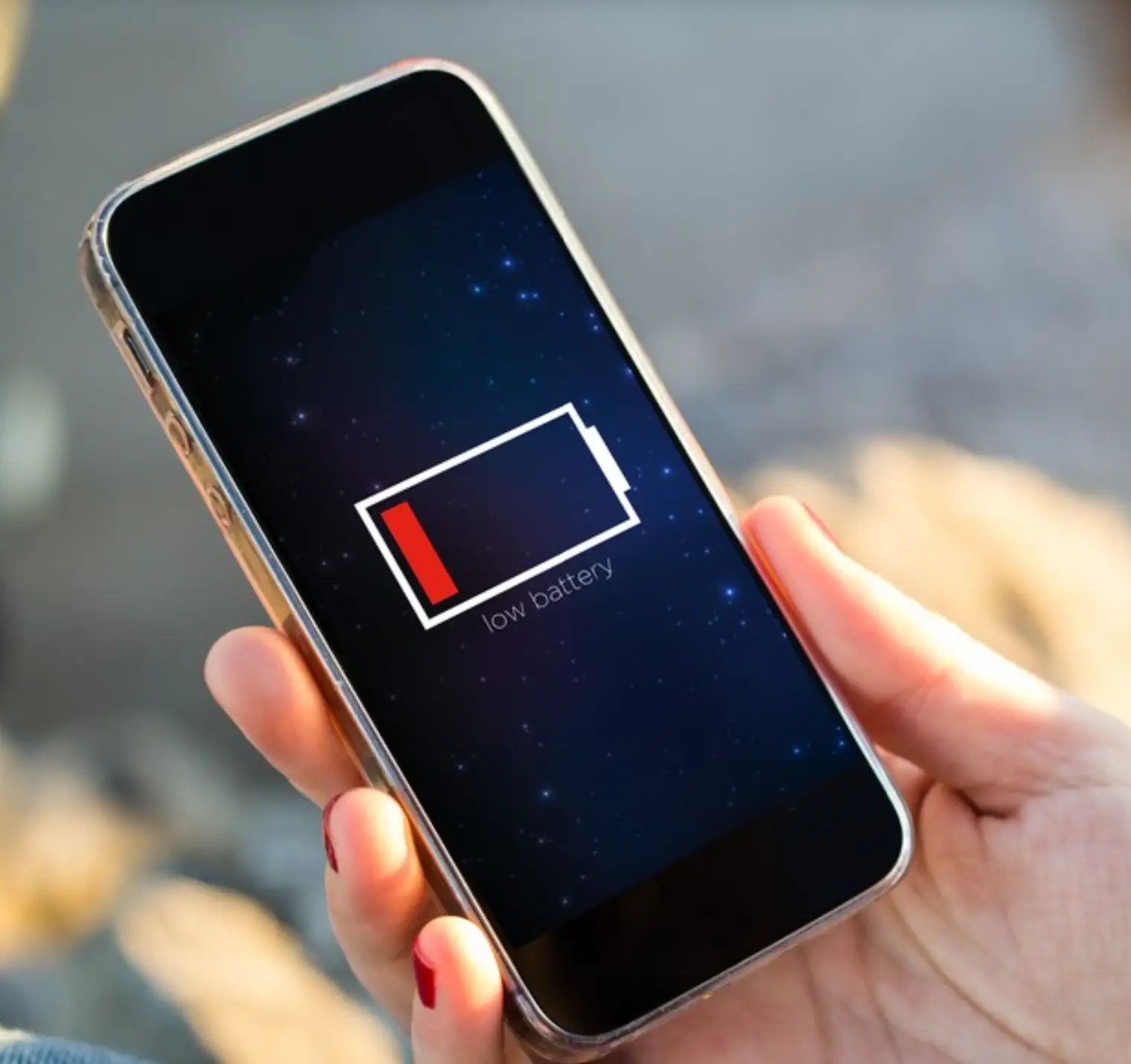
📱⚡ 7 Ways to Fix It
Are you tired of your phone dying at the worst possible moments? You’re not alone! Millions of smartphone users worldwide are frustrated by fast battery drain. But here’s the good news: you can fix it RIGHT NOW!
🔋 The Daily Struggle Everyone Faces
Picture this: It’s 2 PM, you’re at 15% battery, and you need your phone for an important call. Sound familiar? 😤 Devices get more energy-efficient as batteries get larger, but battery life is still a concern for most users. Your phone isn’t broken – it’s just being sabotaged by hidden battery vampires!
🚨 SHOCKING TRUTH: The Real Battery Killers
Your phone battery isn’t just “getting old” – it’s being attacked by sneaky culprits every single day:
- 🌟 Screen Brightness – The screen has been the biggest power hog since modern smartphones came to be.
- 📱 Background Apps – There are too many apps running in the background.
- 📍 Location Services – There are too many apps running location services.
- 📧 Push Notifications – There are too many push notifications and alerts draining the battery.
- 🔔 5G/4G Connectivity – Under the following 2 conditions, it will drain more than usual: i) there isn’t any 4G coverage in your area, ii) constantly crossing between 3G and 4G coverage area.
- 🌡️ Temperature Extremes – Both excessive heat and extreme cold interfere with the chemical reactions inside the battery, causing it to drain faster.
- ⚙️ Aging Battery – After about two or three years (depending on the phone’s model), your battery will no longer be able to achieve its original maximum capacity.
🔍 Why Modern Phones Are Battery Hungry Monsters
Today’s smartphones are incredibly powerful, but with great power comes great battery drain! Despite leaps in battery technology and Android optimizations, Android battery drain remains a top frustration for users in 2025.
🆕 NEW IN 2025: The Latest Battery Drainers
- 🤖 AI Features: Google’s Gemini AI and on-device machine learning (e.g., real-time translation, predictive typing) run constantly, spiking CPU/GPU usage.
- 📺 Foldable Screens: Foldable OLEDs with 144Hz refresh rates and 2000-nit brightness consume significant juice.
- 🌐 6G Networks: While 6G offers blazing speeds, it’s a battery hog. Auto-switching between 6G, 5G, and satellite networks drains power rapidly.
- 📲 Social Media Apps: Social media apps like TikTok 2025 now use real-time AR filters, running 24/7.
💡 FUN FACT: Your Phone Never Really Sleeps! 😴
Even when you’re not using your phone, it’s working harder than you think! Several hidden factors contribute to unexpected battery drain. Your device is constantly:
- ✅ Syncing emails and messages
- ✅ Updating apps in the background
- ✅ Searching for better cell towers
- ✅ Running AI processes
- ✅ Maintaining network connections
🏆 7 PROVEN WAYS TO SAVE YOUR BATTERY RIGHT NOW!
🌟 #1: Master Your Screen Settings
Your screen is the #1 battery killer! Here’s how to tame it:
🔧 Quick Fixes:
- Brightness: Next, try turning down your screen brightness, which saves energy and stops your battery from draining fast.
- Auto-Brightness: Enable adaptive brightness to automatically adjust based on lighting
- Dark Mode: Dark mode can help save some battery power. When used on an OLED display, dark mode saves 3% – 9% power on average.
- Screen Timeout: Since your phone uses energy to stay lit, shorter time intervals between sleep cycles are recommended to save battery life.
📱 iPhone Users: If you have an iPhone 14, 15, or 16, your device has the Always-On Display that keeps your Lock Screen at a certain level of brightness. Turn it OFF to save significant battery!
🎯 #2: Stop Background App Chaos
Apps like Facebook® and Instagram® can still run in the background, checking for updates, refreshing content, and pushing notifications, even after you’ve closed them.
🔧 Android Users:
- Go to Settings > Apps & notifications > Advanced > Background activity
- Turn off background refresh for non-essential apps
- Use Battery Optimization mode
🍎 iPhone Users:
- Settings > General > Background App Refresh
- Turn off for apps you don’t need constantly updated
- Keep only essential apps like Messages and Phone
📍 #3: Control Location Services
Apps like Waze™ and Google Maps™ help you get around using your phone’s location services feature. But if these apps are running behind the scenes and you aren’t traveling, location services can drain your battery.
🔧 Smart Location Management:
- Set location services to “While Using App” only
- Turn off location sharing for social media apps
- Sharing your location (such as through the Find My Friends feature) will definitely drain your iPhone battery.
🔔 #4: Notification Detox
From breaking news to food delivery updates, notifications are how you stay connected and in the know. But if too many alerts are active, they can drain your Android battery.
🔧 Notification Strategy:
- Turn off notifications for non-essential apps
- Use “Do Not Disturb” during sleeping hours
- The more notifications you receive, the faster the battery drains, as the screen lights up each time one comes through.
📶 #5: Optimize Network Connections
🔧 Connection Optimization:
- WiFi vs Mobile Data: Cellular connectivity generally drains the battery faster than Wi-Fi.
- Bluetooth: Newer Bluetooth tech drains lesser battery. But still, there’s consumption.
- Airplane Mode: To really go battery survival mode, turn flight mode on. Handy especially while you’re sleeping.
🔋 #6: Use Built-in Power Saving Features
🔧 Power Saving Arsenal:
- Android: Most smartphones come with a battery-saving mode, which helps reduce power consumption by automatically adjusting CPU speed, screen brightness, background processes, and network usage.
- iPhone: You can extend the battery life of your iPhone by turning on Low Power Mode.
- Adaptive Battery: Let your phone learn your usage patterns and optimize accordingly
🛠️ #7: Maintenance and Updates
🔧 Keep Your Phone Healthy:
- Update Everything: Usually, the developers of OS and apps will fix bugs and improve functions that may reduce battery consumption.
- Restart Regularly: A simple restart can sometimes resolve temporary software glitches.
- Clean Up: Remove unused apps and clear cache regularly
🚨 EMERGENCY BATTERY SAVING MODE 🚨
When your battery is critically low, activate SURVIVAL MODE:
- 🌙 Enable Low Power Mode immediately
- ✈️ Turn on Airplane Mode when not needed
- 🔅 Minimum brightness (almost off)
- 📱 Close ALL apps except essential ones
- 🔇 Turn off vibration – Yes, setting your phone on vibrate mode actually drains more than using ringtone.
📱 Best Battery Monitoring Apps in 2025
🏅 Top Android Apps:
- 🔋 AccuBattery – AccuBattery stands out as one of the best battery-saving apps for Android, with a reputation for both accuracy and functionality.
- 🌿 Greenify – Greenify stands out as the top choice for 2025. Its AI-driven hibernation feature intelligently puts power-hungry apps to sleep.
- 📊 Battery Guru – Battery Guru has been a game-changer in 2025, offering unparalleled battery optimisation.
🍎 Top iPhone Apps:
- 📱 Battery HD+ – Battery HD+ presents a beautiful user interface seasoned with essential features to manage your iPhone’s battery health.
- ☁️ Cloud Batteries – Cloud Batteries uses cloud technology to sync all your Apple devices in one place.
- 💚 Battery Life – Battery Life gives you a level playground to monitor battery level, usage, and charge pattern on your iPhone and linked devices.
🔥 The Apps That Are KILLING Your Battery
🚨 Top Battery Vampires:
- 📘 Facebook & Instagram – This Meta-owned social media platform is guaranteed to be found on almost every single phone. Its heavy use of visual content requires significant processing power.
- 🎵 TikTok – The app frequently uses the camera on your phone and tablet, as well as using certain functions like GPS, and constantly pushes notifications.
- 🗺️ Google Maps – Obviously, its ongoing GPS tracking and background updates for accurate navigation consume a whole lot of battery power.
- 📺 YouTube & Netflix – Streaming videos, especially in high resolution, uses a hell of a lot of processing power and battery life.
- 💬 WhatsApp – The app’s constant background activity to sync messages and notifications significantly drains the battery.
🔧 When to Consider Battery Replacement
🔍 Warning Signs:
- Battery health below 80% on iPhone
- The most common sign of a degrading battery without any notification is shorter battery life in general.
- Phone getting hot during charging
- Unexpected shutdowns
💰 Cost-Effective Solution:
The first and most obvious option is battery replacement. This is usually far cheaper than a total smartphone replacement and could fix your fast-draining battery problem quickly and easily.
🌟 Advanced Pro Tips for Maximum Battery Life
🎨 Visual Optimizations:
- 🖼️ Ditch Live Wallpapers: If your phone battery dies quickly, ditch your live wallpaper. While it may look good, your device is essentially always playing a video.
- 🎨 Use Black Themes: OLED screens display black by shutting off individual pixels on the screen. Thus, using blacked-out themes, wallpapers, and other elements allow portions of the screen to remain off.
🌡️ Temperature Management:
- ❄️ Avoid Extreme Cold: Lower temperatures affect battery life significantly. Lithium-ion batteries stop discharging electricity in the extreme cold.
- 🔥 Prevent Overheating: Avoid using your phone under direct sunlight for prolonged periods.
⚡ Charging Best Practices:
- 🔌 Use Original Chargers: Always use an original charger designed for your phone model.
- 🚫 Avoid Overnight Charging: If your phone overheats during charging, unplug it and let it cool down.
🔄 iOS 18 & Android 15 Users: Special Considerations
📱 Recent Update Issues:
If you’ve updated to iOS 18.5 and your iPhone battery is suddenly draining faster than ever, you’re not alone.
🔧 Post-Update Solutions:
- ⏰ Wait 4-5 Days: Allow your iPhone about 4–5 days after the update for all the background processes to finish.
- 🔄 Restart Your Phone: A simple reboot can help reset any processes that are stuck and causing excessive battery drain.
- 📱 Update Apps: Make sure all your apps are updated.
📊 Battery Life Expectations by Device
⏰ Realistic Battery Life:
- 📱 iPhone: 6-12 hours of active use
- 🤖 Android: 5-10 hours depending on model
- 🔋 New Phones: Full day with moderate use
- 📅 2-3 Year Old Phones: 6-8 hours with optimization
🎯 Quick 5-Minute Battery Boost Checklist ✅
- 🔅 Lower brightness to 50% ✅
- ✈️ Enable airplane mode when not needed ✅
- 🔕 Turn off unnecessary notifications ✅
- 📱 Close background apps ✅
- 🌙 Activate low power mode ✅
- 📍 Disable location for non-essential apps ✅
- 🔇 Turn off vibration ✅
🏆 Results You Can Expect
By following these strategies, you can expect:
- ⚡ 20-40% longer battery life immediately
- 🔋 All-day battery with moderate use
- 📱 Cooler phone operation
- 💰 Delayed need for battery replacement
🔚 Final Thoughts: Take Control of Your Battery Life
Your phone battery doesn’t have to be a constant source of stress! By making a few adjustments, you can boost your battery life and break free from constantly needing a charger.
Remember: Small changes lead to BIG results! 🌟
Start with just ONE tip from this guide today, and you’ll notice the difference immediately. Your future self will thank you when your phone lasts through that important meeting, night out, or emergency situation! 💪
💡 Your Next Steps:
- 📱 Check your battery usage in Settings RIGHT NOW
- 🔧 Implement 3 tips from this guide today
- 📈 Monitor your results for one week
- 🔄 Share this guide with friends who complain about battery life!
💬 Which tip helped you the most? Share your battery-saving success stories in the comments below! And don’t forget to bookmark this guide for future reference – your battery will thank you! 🔋💚
🔥 Pro Tip: Save this article offline to your phone so you can reference it even when your battery is low! 📱⚡
Last updated: July 2025 | Stay tuned for more battery-saving tips as new phones and updates are released!