
🤯 Secret iPhone Settings Apple Doesn’t Want You to Know (2025 Hidden Features That Will Blow Your Mind)
WARNING: Apple employees HATE this article! 🚨
Are you using your iPhone like a complete amateur? 😱 While millions of iPhone users are stuck with basic features, there’s a SECRET world of hidden settings that Apple buried deep in iOS 18.5! These aren’t just “tips and tricks” – these are GAME-CHANGING features that transform your iPhone into a superhuman device.
After 15 years of iPhone evolution, Apple has quietly accumulated dozens of incredible features that 99% of users will NEVER discover. But today, that changes! 💥
🔥 What You’ll Discover:
- ⚡ Secret codes that unlock hidden iPhone superpowers
- 🎯 Hidden gestures that make your phone 10x faster
- 🛡️ Privacy settings Apple keeps buried (for obvious reasons)
- 💰 Features worth thousands of dollars hiding in plain sight
- 🤖 AI tricks that feel like magic from the future
Ready to feel like a genius? Let’s unlock your iPhone’s TRUE potential! 🚀
🎯 1. The Secret Back Tap Magic That Changes Everything
🤫 The Hidden Truth: Your iPhone has been a magic wand this whole time, and you didn’t even know it!
Since iOS 14, Apple quietly added “Back Tap” – a feature that lets you double or triple tap the back of your iPhone to perform custom actions. This isn’t just a gimmick – it’s a productivity SUPERPOWER! 💪
🔓 How to Unlock This Secret:
- Navigate to: Settings > Accessibility > Touch > Back Tap
- Choose your superpower: Double Tap OR Triple Tap
- Pick your action: From 25+ incredible options!
🎪 Mind-Blowing Back Tap Tricks:
📸 INSTANT Screenshots – Never fumble with buttons again! Set Double Tap to “Take Screenshot” and capture anything instantly without interrupting what you’re doing
🏠 Emergency Home – Lost in an app maze? Triple tap to instantly go home!
🔦 Flashlight Control – In iOS 18, you can even adjust flashlight beam width from the Dynamic Island
🤖 Siri on Steroids – Launch Siri without saying “Hey Siri”
🎵 Music Control – Skip tracks, pause, play with secret taps
⚡ Control Center – Access everything with a simple tap
🔇 Silent Mode – Instant mute for emergencies
🔄 App Switcher – Navigate between apps like a pro
📱 Reachability – Make your iPhone one-handed friendly
iOS 18 added 6 NEW Back Tap actions including Assistive Access, Magnifier, Music Haptics, Vocal Shortcuts, and enhanced detection modes
💡 PRO TIP: Create custom shortcuts in the Shortcuts app, then assign them to Back Tap for UNLIMITED possibilities! Imagine tapping your phone to:
- Send your location to family 📍
- Start a voice recording 🎙️
- Open specific apps instantly 📱
- Control smart home devices 🏡
- Send pre-written texts 💬
This ONE feature alone will save you hours every week! ⏰
🔐 2. Secret iPhone Codes That Unlock Hidden Superpowers
🚨 Apple’s Best-Kept Secret: Your iPhone’s dialer isn’t just for calls – it’s a secret command center!
iPhone secret codes (USSD codes) let you access hidden features and configurations not available through the Settings app. These codes were designed for technicians, but smart users can leverage them for incredible advantages!
🎯 The Most Powerful Secret Codes:
🔍 *#06# – Instant Device DNA
Instantly displays your iPhone’s IMEI number – crucial for warranty claims, theft reporting, and verifying authenticity
- Why it matters: Essential for insurance claims and resale value! 💰
📊 *#21# – Spy Detection Mode
Check if someone has secretly enabled call forwarding on your phone
- Hidden danger: Someone could be intercepting ALL your calls! 😱
🔐 *#33# – Call Security Check
Reveals if call barring is active – protects you from unauthorized call restrictions
📱 *3001#12345# – Network Ninja Mode
Activates Field Test Mode showing detailed network information and signal strength in decibels
- Secret advantage: See REAL signal strength, not Apple’s “bars” lie! 📶
🕵️ *67 – Invisible Caller Mode
Add before any number to hide your identity – calls show as “Unknown” or “Private”
- Perfect for: Business negotiations, surprises, or privacy protection! 🎭
⚡ *777# – Account X-Ray Vision
Instantly check your plan details, balance, and data usage without carrier apps
🔄 #UPDATE# – Carrier Settings Hack
Forces download of latest carrier settings for improved performance
📞 *43# – Never Miss Important Calls
Enables call waiting so you’re notified of incoming calls during conversations
🚨 #61# – Missing Call Detective
Reveals calls you missed when your phone was off or out of range
⚖️ *#07# – Legal Loophole Access
Jumps directly to Settings > General > Legal & Regulatory for warranty and RF exposure information
⚠️ SAFETY WARNING:
Some codes can result in data loss or system changes. Always understand what a code does before using it
🎯 PRO STRATEGY: Save these codes in your Notes app with descriptions. You’ll feel like a tech wizard when friends ask “How did you do that?!” 🧙♂️
🎨 3. iOS 18.5 Hidden Features That Feel Like Magic
🔮 The Future is Here: iOS 18.5 introduces hidden features that make your iPhone smarter than ever
🌈 Rainbow Lock Screen Easter Egg
Apple quietly added a beautiful Rainbow color effect for your Lock Screen clock in iOS 18
- How to find it: Customize Lock Screen > Color > Look for Rainbow option
- Why it’s special: Creates dynamic, ever-changing colors! 🌈
📱 Button Press Visual Feedback
When you press volume or power buttons, the iPhone’s bezel now expands visually on the button you’re pressing
- Hidden detail: Shows Apple’s obsessive attention to micro-interactions! ✨
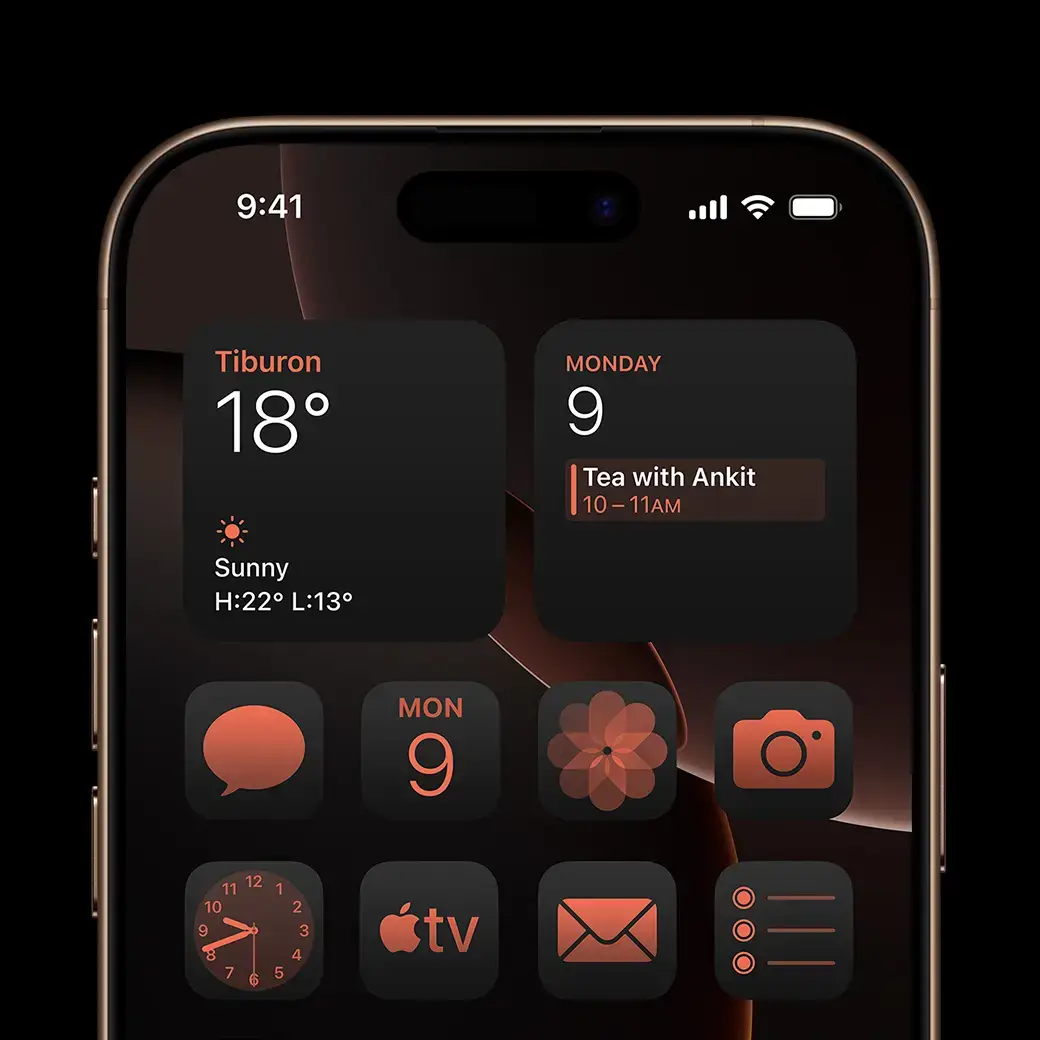
🔄 App Icons Transform Into Widgets
iOS 18 lets you transform any app icon into a widget, displaying live information instead of static icons
- Game changer: See your Photos memories, Weather updates, or Calendar events directly on home screen!
- How to: Long-press app > Select widget design
📡 Wi-Fi Password QR Code Sharing
iOS 18 finally adds Android-style QR code Wi-Fi sharing through the new Passwords app
- Location: Passwords app > Wi-Fi > Select network > Show Network QR Code
- Social superpower: No more spelling out complex passwords! 📲
🌐 Private Wi-Fi Address Rotation
iOS 18 replaces “Private Wi-Fi Address” with “Rotate Wi-Fi Address” for enhanced privacy
- Privacy boost: Your iPhone changes its Wi-Fi signature randomly to prevent tracking! 🛡️
🔋 Advanced Charging Limits
iPhone 15 users now have multiple charge limit options: 80%, 85%, 90%, and 95%
- Battery health hack: Prevents overcharging for longer battery life! ⚡
🎬 Auto-Loop Video Playback
Videos in Photos app now automatically restart when they finish playing
- Perfect for: Creating mesmerizing loops and better content viewing! 🔄
📺 Dark Mode Photo Editing
You can now manually choose between light or dark mode for the Photos editing interface
- Eye comfort: Edit photos in dark rooms without being blinded! 🌙
🗣️ 4. Voice and Accessibility Secrets That Supercharge Productivity
🎤 Multilingual Keyboard Magic
iOS 18 supports multilingual keyboards, letting you communicate seamlessly in multiple languages
- Global advantage: Switch between languages without changing keyboards! 🌍
🤝 Remote iPhone Control
New “Ask to Share Screen” feature lets you help others by viewing and controlling their iPhone remotely
- How it works: Messages app > Tap recorder icon > “Ask to Share Screen”
- Perfect for: Helping parents/grandparents with tech issues! 👨👩👧👦
🔊 Enhanced Siri Voice Commands
Simply say “6 AM” for an alarm or “15 minutes” for a timer – Siri confirms and sets it instantly
- Time saver: No more navigating through Clock app menus! ⏰
📝 Hidden Trackpad Mode
Press and hold the spacebar to transform your keyboard into a trackpad for precise text editing
- Precision editing: Move cursor exactly where you need it! 📍
🚀 5. Advanced Power User Secrets
🎯 App Quick Actions Menu
Most app icons hide mini power menus – press and hold any app to reveal hidden shortcuts
- Examples: Camera app > “Take Selfie”, Weather > “View Forecast”
- Productivity boost: Skip multiple taps to reach what you need! ⚡
💡 Dynamic Flashlight Control
On iPhone 14 Pro and 15 Pro models, long-tap the Dynamic Island when flashlight is on to adjust beam width
- Professional lighting: Go from concentrated beam to wide-spread light! 🔦
🔄 Drag and Drop Between Apps
Drag photos, links, and text between apps by holding content, switching apps, and dropping
- Workflow magic: Move content seamlessly without copy/paste! ✨
🧮 Calculator Secret Gesture
Swipe left or right on the Calculator display to delete the last entered number
- No more clearing: Fix mistakes instantly! 🔄
📱 Safari Pop-up Blocker Enhancement
Enable “Verify Window Open User Gesture” in Safari settings to block intrusive pop-ups effectively
- Browse peacefully: Only links YOU tap can open new windows! 🛡️
🎵 6. Media and Entertainment Hidden Powers
🎶 Music Haptics for the Hearing Impaired
iOS 18 adds Music Haptics providing tactile feedback for supported songs in Apple Music
- Inclusive feature: Feel the music through vibrations and textures! 🎵
📺 TV App Organization Revolution
iOS 18 reorganizes the Settings app by moving all individual app settings into a new “Apps” section
- Cleaner interface: Find app settings faster than ever! 📱
💰 Secret Settings Worth Thousands of Dollars
🔐 Privacy Settings Apple Hides
🛡️ Location Services Deep Dive
- Settings > Privacy & Security > Location Services > System Services
- Turn OFF: iPhone Analytics, Popular Near Me, Routing & Traffic
- Money saved: Prevents unnecessary data usage and battery drain! 💰
🔍 Analytics & Improvements
- Settings > Privacy & Security > Analytics & Improvements
- Turn OFF everything: Stop sending free data to Apple!
- Hidden benefit: Improved battery life and performance! ⚡
📊 Personalized Ads Control
- Settings > Privacy & Security > Apple Advertising
- Turn OFF: Personalized Ads
- Privacy gain: Stop being tracked across apps! 🛡️
💾 Storage Optimization Secrets
📱 Offload Unused Apps
- Settings > General > iPhone Storage > Offload Unused Apps
- Auto-magic: iOS removes apps you don’t use but keeps data!
- Storage gained: Often frees up 10-50GB! 💾
📸 Optimize Photo Storage
- Settings > Photos > Optimize iPhone Storage
- Smart compression: Keeps full photos in iCloud, thumbnails on device
- Space saved: Potentially hundreds of GBs! 🖼️
🧠 Pro Tips for Maximum Impact
🎯 The Genius Combination Strategy
Combine multiple features for superhuman iPhone use:
- Set Back Tap Double Tap to “Take Screenshot”
- Set Back Tap Triple Tap to open Control Center
- Use spacebar trackpad for precise text editing
- Enable Auto-Loop videos for better content consumption
- Use secret codes to check network strength before important calls
📱 The Daily Workflow Revolution
- Morning: Use
*777#to check data usage - Commute: Back Tap to control music without looking
- Work: Spacebar trackpad for precise email editing
- Evening: Auto-loop videos for relaxing content
🔮 The Future-Proof Setup
iOS 18.5 continues to improve system performance and app opening speeds, especially benefiting older devices
🚨 Warning: Why Apple Keeps These Hidden
🤫 The uncomfortable truth: Apple doesn’t advertise these features because:
- 🔧 Technical complexity – Average users might break things
- 💰 Revenue protection – Some features reduce app store dependencies
- 🛡️ Legal implications – Privacy controls might upset advertisers
- 🎯 User experience – Too many options can overwhelm casual users
- 🏢 Corporate relationships – Some features compete with partner services
But YOU deserve to know! 💪
🎊 Congratulations – You’re Now an iPhone Master!
🎯 What You’ve Unlocked:
- ✅ Back Tap superpowers for instant actions
- ✅ Secret codes for hidden system access
- ✅ iOS 18.5 features most users will never find
- ✅ Privacy settings worth thousands in saved data
- ✅ Productivity hacks that save hours weekly
- ✅ Media controls that feel like magic
🚀 Your Next Steps:
- Bookmark this page – You’ll want to reference these secrets! 🔖
- Set up Back Tap with your two favorite actions
- Try 3 secret codes to see instant results
- Share ONE tip with a friend (watch their mind blow! 🤯)
- Explore iOS 18.5 hidden features systematically
🎁 Bonus Challenge:
Master these secrets and you’ll be the go-to tech person in your group. Friends will think you’re a genius, and you’ll save hours of frustration every week!
💬 Which secret feature shocked you most? Drop a comment and let us know which iPhone hack changed your life!
🔥 Related iPhone Secrets You NEED to Know
- 🎯 [iPhone Photography Secrets Pros Don’t Want You to Know]
- 🔋 [Hidden iPhone Battery Tricks That Add Hours of Life]
- 🛡️ [iPhone Security Settings Apple Doesn’t Advertise]
- 💰 [iPhone Features That Save Money (Apple Hates #7)]
- 🚀 [iOS 26 Beta Secrets: The Future is Here]
🎯 Remember: Knowledge is power, but applied knowledge is TRANSFORMATION. Don’t just read these secrets – USE them! Your iPhone experience will never be the same!
Stay curious, stay powerful, and keep discovering! 🚀
📱 Got more iPhone questions? Check out our complete iOS mastery guides or drop your questions in the comments below. We read every single one and often create new guides based on your requests!
🔔 Don’t miss future iPhone secrets – bookmark this page and check back weekly for new discoveries!